Crafting the Perfect Bookmark: Tips and Tricks for Users
Bookmarks are essential tools for navigating the vast world of the internet. At Nastiro, we believe that crafting the perfect bookmark can enhance your online experience significantly. Here are some essential tips and tricks to make your bookmarks more effective and user-friendly.
Choosing the Right Titles
When saving a bookmark, take the time to choose a title that accurately reflects the content of the page. Instead of saving links under generic titles like ‘Article 1,’ opt for descriptive titles that give you a clear idea of what to expect. This practice saves time when searching for specific resources.
Categorizing Your Bookmarks
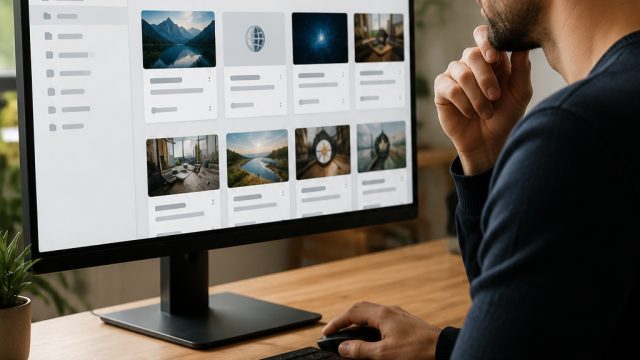
Organization is key when it comes to bookmarks. Use folders to categorize your saved links based on topics or projects. This hierarchy will help you locate resources quickly and efficiently. Nastiro allows users to create personalized folders, making organizing bookmarks easier than ever.
Adding Descriptions
A helpful trick is to add a brief description to your bookmarks. This feature is particularly useful for lengthy articles or complex resources. A short note can remind you why you saved that link, making it easier to assess its relevance at a glance.
Regularly Review Your Bookmarks
Every so often, take the time to review your bookmarks. Remove links that are no longer relevant and refresh your collection with new finds. This practice ensures that your bookmark list remains current and valuable.
Utilize Tags for Easy Access
Many bookmark managers, including Nastiro, offer tagging options. Using tags can further simplify the organization process. Tagging links with relevant keywords allows for quick and easy access, especially if you have a large collection of bookmarks.
Conclusion
Crafting the perfect bookmark involves thoughtful consideration and organization. By implementing these tips and tricks, you can enhance your online experience and make navigation more efficient. Join Nastiro as we continue to provide tools that empower users in their web exploration.